Start with the official record
You see a headline about an air purifier, a frozen snack or a car seat, and the name looks familiar. The first question is whether the notice describes the thing you own. A headline can help you find the announcement, but it has little room for exclusions, model numbers or packaging details. Find the original U.S. notice through the agency responsible for the product. The Consumer Product Safety Commission (CPSC) is a starting point for many consumer goods. FoodSafety.gov routes readers to food notices, and the National Highway Traffic Safety Administration (NHTSA) covers vehicles and equipment such as car seats and tires. The agencies organize records differently, so a blank result in one database can mean you are looking in the wrong place. [1] [4] [5] [6]
Look at the date and the kind of document before pulling out the model label. A recall notice usually identifies an affected product, describes a hazard and states a remedy or next action. The CPSC database also carries product safety warnings, and the FDA index covers several types of announcement, including market withdrawals and safety alerts. An FDA page marked as a company announcement tells you who issued the notice, even though it sits on a government website. If you pass a notice to someone else, give them the original page and the date so they can see the same details and check for updates. [1] [3] [6]
Match the product and the markings
CPSC recall 26-244, issued on February 9, 2026, for Aroeve air purifiers shows why a model match can be only the first step. The announcement describes the MK04 model, including black and white units, but narrows the affected group to machines made before July 2025 with a serial number beginning BN. It also shows where the label is located on the underside. If a purifier looks like the photo but its label has a different model number, the picture has done its job as a visual clue and the model field provides better evidence. Read the conditions together rather than picking the one that looks most familiar. [1] [2]
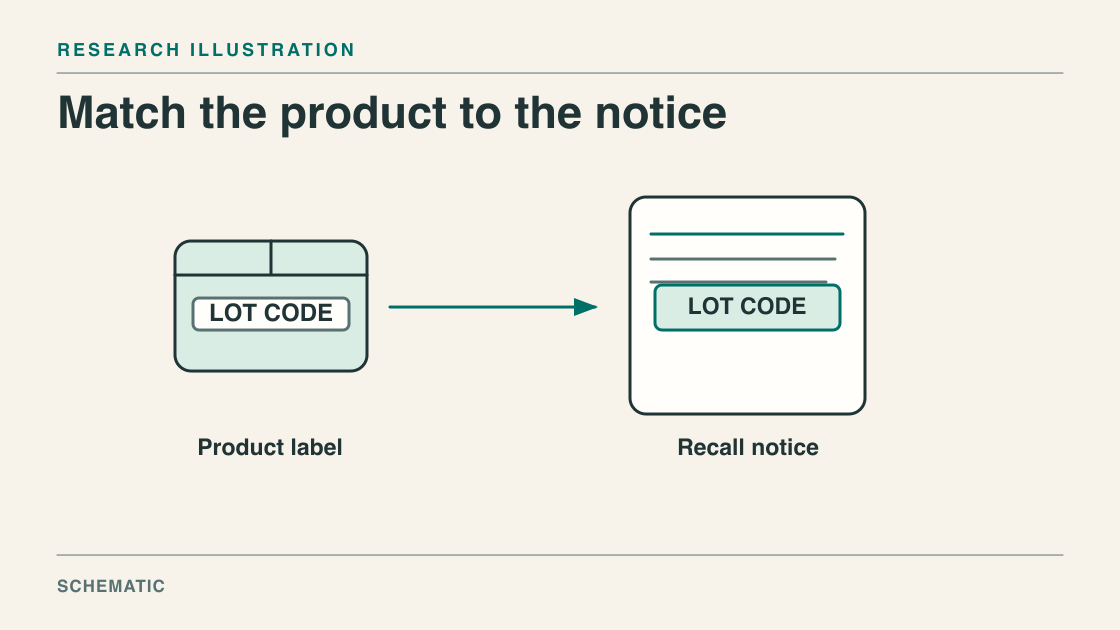
Make a small comparison record if the description is complicated. Put the notice’s model or item code on one side and the code you can actually read on the other. Do the same for the date code, serial prefix, size or packaging where the notice specifies them. Keep leading zeros and letters rather than relying on memory. A label’s manufacturing date and a store receipt’s purchase date answer different questions. Distribution dates and retailer lists can help narrow a search, but read how the notice uses them. If a marking has rubbed off, leave the field unresolved and use the contact instructions in the official notice. [1] [2] [3]
The product count is a separate figure. In a notice, the number of units describes the scope of the recall, while the incident section describes the reports identified in that notice. An announcement covering many units does not say how many of them have malfunctioned. Likewise, an incident count is not an individual risk estimate. If you are summarizing a recall, say what the number counts and attribute the figure to the notice. Keep the identifying details in the summary even if the unit count is the number that makes the headline. [1] [2]
Four checks in a recall notice
- Find the notice
Open the original agency record and check its date.
- Match the label
Compare the model, lot or vehicle identifier.
- Read the exclusions
Check the date range, size and package format.
- Follow the remedy
Use the current instructions for the item that matches.
Read food lot codes alongside the UPC
A food notice can distinguish packages that share a brand and flavor. In August 2024, the company announcement posted by FDA for certain Popsicle Jolly Rancher products named frozen confection pops marked for individual sale, identified a particular package size and UPC, and listed affected lot codes. It explicitly excluded the 18-count grocery multipack. That distinction mattered because a shopper who saw the same flavors in a freezer could make the wrong call if they stopped at the brand name. The historical notice includes photographs of where the UPC and lot markings appeared on the individual wrapper, a useful feature when packaging has several strings of numbers. [3] [4]
The universal product code (UPC) helps identify which version of a product the notice is talking about, while a lot code can narrow the notice to particular production runs. Use both when both appear in the announcement. If the notice calls out a specific wrapper or size, compare the individual package with the description rather than reading only the shopping receipt. A separate date printed beside the lot can be another condition if the notice says so. FoodSafety.gov also separates recalls from outbreaks. An outbreak announcement and a recall can be related, but they do not supply interchangeable product lists. Open the specific recall notice to see exactly what the company or agency identified. [3] [4] [6]
Use the lookup that fits the question
For vehicles, NHTSA distinguishes a search for a specific vehicle from a general search. Entering a VIN or eligible license plate can return an unrepaired recall for that vehicle from a manufacturer covered by the lookup. A year, make and model search can turn up broader records including recalls, investigations, complaints and manufacturer communications. Those results can help someone find a notice, but a complaint from an owner is a different kind of evidence from an open recall on a particular vehicle. The VIN is usually visible near the lower edge of the windshield or printed on vehicle documents, so use the vehicle’s own identifier. [5]
A negative search also has a defined scope. NHTSA says the VIN result omits repairs already completed and may miss a newly announced recall while affected VINs are still being identified. It also lists limits for older recalls and some manufacturers and campaigns. The FDA’s public alerts page similarly says it does not carry every recall, and it points readers toward more complete and archived records. This is a reason to read the explanatory text around a search tool. If you are checking a newly announced issue or have a partial identifier, the limits can matter as much as the result on the screen. [5] [6]
It also helps to distinguish an expanded recall from a second post about the same announcement. Check whether the product description, date range or remedy has changed, using the current official record rather than relying on the date someone reposted a screenshot. For a vehicle, pair the VIN result with the notice or manufacturer instructions if NHTSA describes a gap in coverage. For a food or household item, read the full item description before sharing the announcement with someone who owns a similar product. [1] [3] [5] [6]
Separate the hazard from the remedy
Once a record matches, move to the part that says what happens next. The hazard explains why the announcement was issued. The remedy can be a repair, replacement, refund, disposal or new instructions, and the official notice can specify conditions or evidence to submit. In the air purifier notice, CPSC told owners of affected units to stop using them immediately and contact Airova for a free replacement. The 2024 Popsicle announcement told buyers to avoid consuming the affected pops and described reimbursement with proof of purchase. Both notices put the immediate safety step alongside the remedy. Read the current notice for your product before taking action, and follow its instructions rather than a procedure copied from an older or unrelated announcement. [1] [2] [3]
When sharing the notice, name the product, the exact identifiers and exclusions, the announcement date or number, and the action in the latest notice. That leaves enough detail for a second person to check the result without sharing their serial number or VIN on a public post. Reopen the official page if an old link shows no current remedy or someone sends a newer notice. CPSC notes that remedy availability can change, and FDA maintains separate access to older announcements. Your conclusion applies to the notice and product version you checked. [1] [4] [5] [6]
Common questions
Where do I start if the story has no link?
Look for the product at the relevant U.S. agency’s site. Use the brand or model to find the record, then confirm the identifiers inside the notice. [1] [4] [5] [6]
Is the UPC enough for a food recall?
It can identify a package type. If the notice also lists lot codes, check the code printed on your package against the affected list. [3] [4]
What if I cannot read the label?
Find the label location in the official notice and use its contact instructions if the identifier remains unreadable. A picture can guide you to the label without establishing a match. [1] [2]
Can a recall remedy change?
Yes. CPSC notes that availability can change over time. Reopen the official record for the current remedy and instructions. [1]
Sources & further reading
- [1] CPSC recalls and product safety warnings
Explains the agency’s listings, remedy categories and changes in remedy availability.
- [2] CPSC’s Airova air purifier recall
The February 2026 notice identifies the model, manufacturing period and serial-number prefix together.
- [3] FDA-posted Popsicle recall announcement
The August 2024 company notice supplies the package format, UPC, lot list and explicit multipack exclusion.
- [4] FoodSafety.gov recalls and outbreaks
Distinguishes food recalls from outbreaks and points readers to the agencies responsible for food notices.
- [5] NHTSA vehicle and equipment recall lookup
Explains VIN results, general make-and-model search results and limitations on recent or repaired recalls.
- [6] FDA recalls, market withdrawals and safety alerts
Explains the public notice list’s coverage and how to look beyond it for archived and other recalls.
Method & limitations
This guide compares the structure of two dated U.S. notices with the FDA, CPSC, FoodSafety.gov and NHTSA public lookup pages. The case examples illustrate how to read the records. They do not determine the status of an individual item.